 Miya Bholat
May 04, 2026
Why Construction Teams Are Switching to Fleet Software?
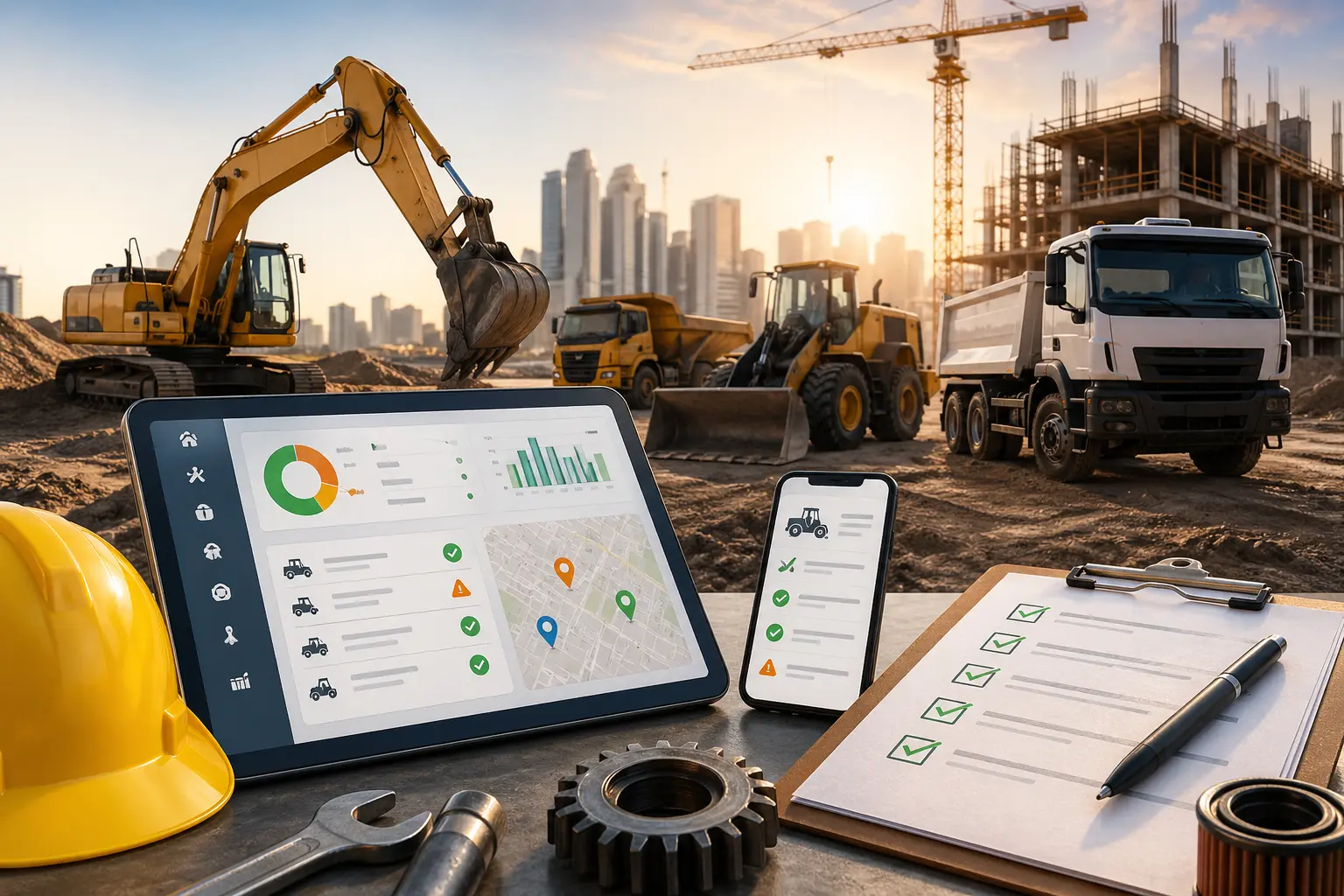
On a busy construction site, everything runs on tight timelines. A dump truck goes down mid project, nobody saw it coming, and suddenly crews are waiting, equipment sits idle, and costs start stacking up by the hour.
This is still how many teams operate today. Maintenance is reactive, tracking happens in spreadsheets, and decisions rely on incomplete or outdated data. But that is exactly why more companies are moving toward construction fleet management software and rethinking how they manage equipment and vehicles.
Key Takeaways
- Construction fleets face harsher conditions than most industries
Heavy equipment usage, multiple job sites, and mixed asset types make manual tracking unreliable and risky. - Spreadsheets fail when operations scale or become complex
Lack of real time visibility, missed maintenance, and no audit trail lead to costly breakdowns and delays. - Most teams switch after a costly failure or compliance issue
A breakdown, failed inspection, or expansion to new sites often forces the move to fleet software. - Fleet software shifts operations from reactive to preventive
Maintenance scheduling, inspections, and alerts help teams stay ahead of failures instead of reacting to them. - ROI becomes clear after just one avoided breakdown
Reduced downtime, lower repair costs, and saved admin time quickly offset software investment. - Construction specific features make the biggest difference
Tracking engine hours, mobile access, and asset level scheduling are critical for real world job site use.
The Unique Fleet Challenges Construction Teams Face
High Equipment Utilization and Wear
Construction fleets operate in one of the toughest environments. Equipment runs long hours, often under heavy loads, and rarely follows predictable usage patterns.
Unlike delivery fleets, where mileage is the primary metric, construction equipment depends heavily on engine hours. A loader or excavator may not travel far, but it experiences intense wear during operation.
This creates several challenges:
- Maintenance needs vary significantly between assets
- OEM guidelines depend on usage rather than distance
- Wear and tear happens faster and less predictably
- Downtime has immediate project level impact
Without proper tracking, it becomes almost impossible to maintain assets proactively.
Multi Site Operations Add Coordination Complexity
Most construction teams are not operating from a single location. Equipment moves between job sites, crews change, and responsibilities shift across teams.
This leads to coordination issues such as:
- No centralized view of asset status
- Different teams maintaining separate records
- Delays in reporting issues from the field
- Difficulty tracking equipment across locations
If you are relying on spreadsheets or paper logs, these problems multiply quickly. This is why many teams begin exploring fleet management software buyers guide resources to understand how to centralize operations.
What's Actually Breaking Down When You Use Spreadsheets
Spreadsheets seem simple at first. But once your fleet grows or operations spread across sites, they start breaking in ways that directly impact uptime and cost.
Here are the most common failure points:
- Multiple versions of the same file across project managers
- No real time updates from job sites
- Missed preventive maintenance schedules
- Lack of accountability or audit trail
- Manual data entry errors
- No automated alerts for upcoming service
Now consider the cost impact.
If a single unexpected breakdown costs between 1500 and 4000 dollars in downtime and labor, and your fleet has just 10 vehicles, even two breakdowns per month can result in:
- 3000 to 8000 dollars per month
- 36000 to 96000 dollars annually
That does not include project delays, penalties, or lost productivity.
This is exactly why many teams move away from manual systems after reading about spreadsheets vs fleet management software comparison and seeing the real cost of inefficiency.
The Trigger Moments That Push Teams to Make the Switch
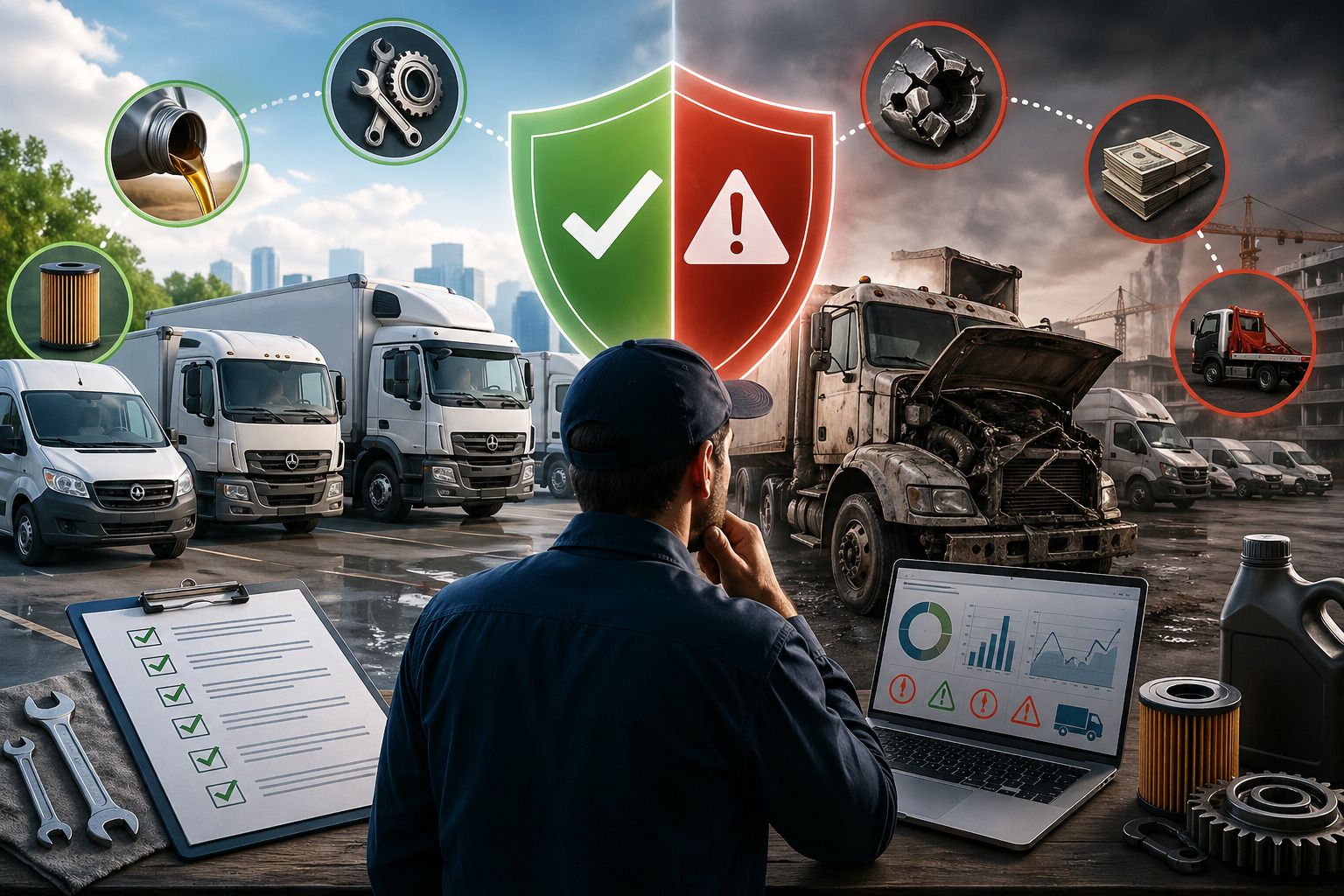
The Breakdown That Cost More Than the Software Ever Would
This is the most common tipping point. A critical piece of equipment fails unexpectedly, halting work for hours or even days.
The cost is not just the repair. It includes idle labor, missed deadlines, and client impact. At that moment, the investment in software becomes an obvious decision.
A Failed DOT Inspection or Compliance Gap
Construction fleets must maintain compliance records. When inspections fail due to missing logs or incomplete documentation, the consequences can be serious.
Teams often realize they need better systems after reviewing fleet management software license inspection tracking solutions that automate compliance.
Scaling to a New Job Site or Contract
Growth introduces complexity. Managing one site manually might work, but multiple locations quickly expose gaps in coordination and visibility.
Teams expanding operations often explore how to run fleet operations across multiple locations and recognize the need for centralized systems.
How Fleet Software Changes Day to Day Operations on the Job Site
Preventive Maintenance Scheduling for Heavy Equipment
Instead of reacting to breakdowns, teams can schedule maintenance based on engine hours, mileage, or time intervals.
With tools like fleet preventive maintenance schedules, you can:
- Set automated service intervals for each asset
- Receive alerts before maintenance is due
- Track completed maintenance history
- Reduce unexpected failures
This shift alone significantly reduces downtime.
Real Time Visibility Across Multiple Sites
Fleet software gives managers a centralized dashboard where they can monitor all assets regardless of location.
Using systems like fleet GPS tracking software, teams gain:
- Live location tracking of vehicles and equipment
- Visibility into usage patterns
- Better coordination between sites
- Faster response to issues
This eliminates the guesswork that comes with manual tracking.
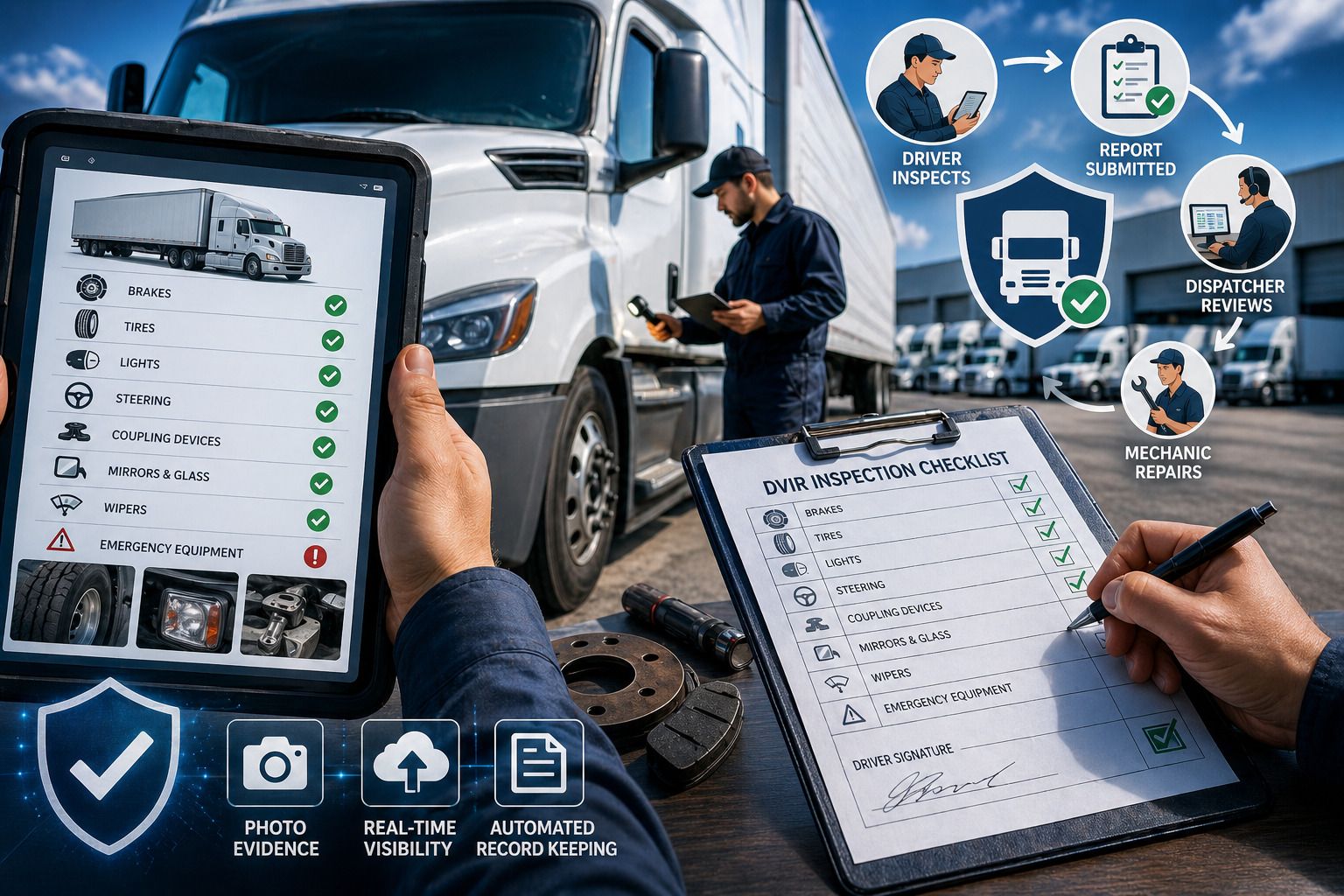
Driver and Operator Inspection Logs DVIRs
Daily inspections are critical for safety and compliance. However, paper logs are often incomplete or delayed.
With a digital vehicle inspection app, operators can:
- Submit inspection reports from the field
- Attach photos of issues
- Flag problems instantly
- Maintain accurate records for audits
This improves both safety and accountability across the fleet.
For teams looking to understand the operational shift, resources like how fleet managers use fleet management software provide real world context.
ROI That Construction Managers Can Actually Calculate
Fleet software is not just about convenience. It directly impacts the bottom line.
A simple ROI calculation looks like this:
Reduced downtime hours multiplied by average hourly project cost
Plus avoided emergency repair premiums
Plus labor hours saved from manual tracking
For example:
- 20 hours of downtime reduced per month
- 150 dollars per hour project cost
- 3000 dollars monthly savings from downtime alone
Add avoided emergency repairs and admin savings, and many teams recover the cost of software within months.
If you want a deeper breakdown, this fleet management software cost breakdown guide explains how these numbers scale across larger fleets.
What to Look for in Fleet Software Built for Construction
Equipment Hour Tracking Not Just Mileage
Construction equipment does not follow traditional mileage based maintenance.
Look for solutions that support engine hour tracking and align with OEM schedules, such as OEM factory maintenance schedules.
Mobile First for Field Teams
Your operators are not sitting at desks. They are on job sites.
The software must allow:
- Easy mobile data entry
- Quick inspection submissions
- Offline capability when needed
- Simple user interface for field teams
Customizable Maintenance Schedules by Asset Type
Every asset has different maintenance needs. Trucks, excavators, and generators cannot follow the same schedule.
Look for systems like equipment maintenance management software that allow flexible scheduling based on asset type and usage.
For teams comparing tools, reading about how to choose fleet management software for your fleet size can help narrow down the right fit.
How AUTOsist Supports Construction Fleet Operations
AUTOsist is built to handle the real challenges construction fleets face daily.
Instead of forcing teams to adapt to rigid systems, it supports how construction operations actually work.
For example, with fleet maintenance work order software, managers can assign tasks, track repairs, and ensure accountability across teams.
Its vehicle service history tracking keeps a complete record of maintenance, helping teams stay compliant and make informed decisions about asset lifecycle.
For visibility across sites, GPS tracking telematics provides real time insights into equipment location and usage.
Most importantly, AUTOsist brings everything into one system. Maintenance, inspections, tracking, and reporting are all connected, eliminating the gaps that manual systems create.
If you are still managing operations manually, this guide on managing fleet operations without spreadsheets highlights exactly what changes when you switch.
Frequently Asked Questions
-
Is fleet management software worth it for construction companies?
Yes. Construction fleets deal with heavy equipment, unpredictable usage, and costly downtime. Even one avoided breakdown or delayed repair can offset the cost, making fleet management software a practical investment for both small and large construction teams. -
How does construction fleet management software improve equipment maintenance?
It automates preventive maintenance based on engine hours, usage, or time intervals. This ensures equipment is serviced before failures occur, helping teams reduce downtime, extend asset life, and maintain consistent job site productivity. -
How to choose fleet maintenance software for the construction industry?
Focus on tools that support engine hour tracking, mobile inspections, and flexible maintenance scheduling. Construction fleets need software that works across job sites and adapts to different asset types, not just standard vehicle tracking systems. -
What are the key features to look for in construction fleet management software?
Look for engine hour tracking, real time asset visibility, digital inspection logs, and customizable maintenance schedules. These features directly support construction workflows and help manage both vehicles and heavy equipment efficiently. -
How to evaluate fleet software for a construction company before buying?
Start by assessing how well the software fits your daily operations. Check if it supports multi site visibility, handles both vehicles and equipment, and reduces manual work. Running a trial with real job site data is often the best way to evaluate its impact.